Short answer: when a website gets visitors but few inquiries, the cause is usually one of five things: inquiries are not being measured correctly, the visitors are the wrong audience, the page does not explain the offer, there is too little proof, or the next step is hard to complete. Check them in that order, because the first two can make a healthy page look broken.
Quick diagnosis
| What you see | Likely cause | Check first |
|---|---|---|
| Customers say they found you online, but reports show no leads | Tracking gap | Submit a test inquiry and confirm it is recorded |
| Traffic comes mostly from informational searches | Wrong intent | Search Console queries by page |
| Service pages get visits but few clicks to contact | Unclear offer or weak proof | Read the page as a first-time customer |
| People start forms or booking but do not finish | Friction | Complete the path on your phone |
| Inquiries arrive but rarely become customers | Lead quality or follow-up | Response time and inquiry handling |
1. Confirm you are counting inquiries correctly
Before changing the website, submit your own form, click your phone link and start a booking. Then confirm each action appears where you expect it.
In Google Analytics, enhanced measurement can record form_start and form_submit, but automatic form tracking does not fit every form or embedded tool. Lead actions you care about should be marked as key events, which Google describes as actions particularly important to your business.
Watch for these common gaps:
- Phone calls from mobile visitors are not recorded unless you track the click.
- Bookings completed on a third-party scheduler may not report back to your site.
- Cookie consent means analytics will not include every visitor, so compare it with your real inquiry count.
- Form notifications can go to an old inbox or spam folder. Check this first if inquiries seem to have stopped suddenly.
2. Check whether the traffic can actually become customers
Open the Performance report in Google Search Console, filter by your most-visited page, and read the queries. Clicks, impressions, click-through rate and average position are useful, but the words people searched tell you the most.
Compare the intent behind those searches. Someone searching “what causes engine knocking” wants an explanation. Someone searching “engine replacement quote” may be ready to talk to a business. Both can be valuable, but only the second should be expected to inquire right away.
If an informational article brings most of your traffic, do not judge it like a service page. Add a relevant link to the matching service and measure how many readers continue. Also check location: a local business can receive plenty of visits from people it cannot serve.
3. Make the offer obvious within the first screen
A visitor should be able to answer four questions without scrolling far: What do you do? Who is it for? Where do you work? What should I do next?
Replace broad statements with specific ones:
- Vague: “Quality solutions tailored to your needs.”
- Clear: “Replacement engines supplied and fitted, with collection available.” Use only what is true for your business.
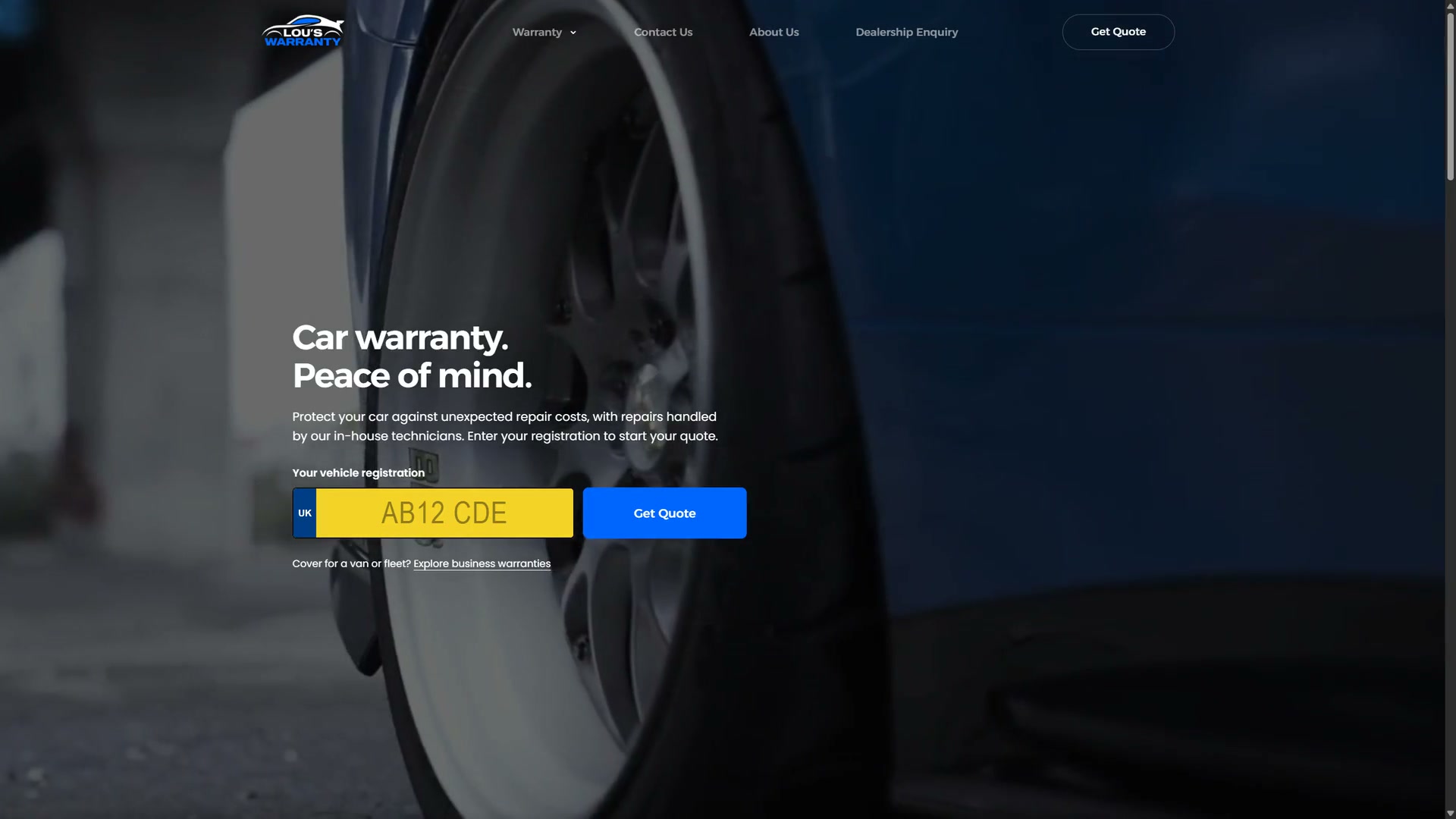
This was the central problem on the Lou’s Warranty project. Warranty coverage takes explaining, so we focused the site on clear package information and prominent quote routes.
“Our service was not the easiest thing to explain online. Adrian helped us strip it back and present it in a way that made more sense to customers.”Louis B, Director, Lou’s Warranty
4. Put proof beside the decision
People hesitate when they cannot tell whether you are credible. Place evidence near the point where they decide to contact you, rather than saving it for a separate page:
- Genuine reviews with enough detail to be useful
- Photos of your actual team, premises or work
- Relevant licenses, certifications or memberships you can verify
- Specific explanations of your process, warranty, timing or pricing
Keep this evidence honest. The FTC’s Consumer Reviews and Testimonials Rule addresses fake reviews and incentives tied to a particular sentiment, and its endorsement guidance covers disclosure of material connections.
5. Remove friction from the next step
Complete your own inquiry on a phone, using mobile data if you can. Count the taps, note every moment of doubt, and fix these first:
- Too many routes: choose one primary action per page, such as “Get a quote” or “Book a consultation.”
- Long forms: ask only for what you need to respond. Every field should have a clear label, which is also a WCAG 2.2 requirement.
- Small controls: WCAG 2.2 AA sets a 24 by 24 CSS pixel minimum for most targets, with some exceptions. Primary buttons should be comfortably larger.
- Slow pages: Google’s Core Web Vitals targets are LCP within 2.5 seconds, INP under 200 milliseconds and CLS under 0.1.
- No expectation after submitting: tell people when and how you will respond.
6. Check what happens after the inquiry
Sometimes the website is working and the leak is behind it. Inquiries sit in a shared inbox, nobody owns the follow-up, or quote details get lost between staff.
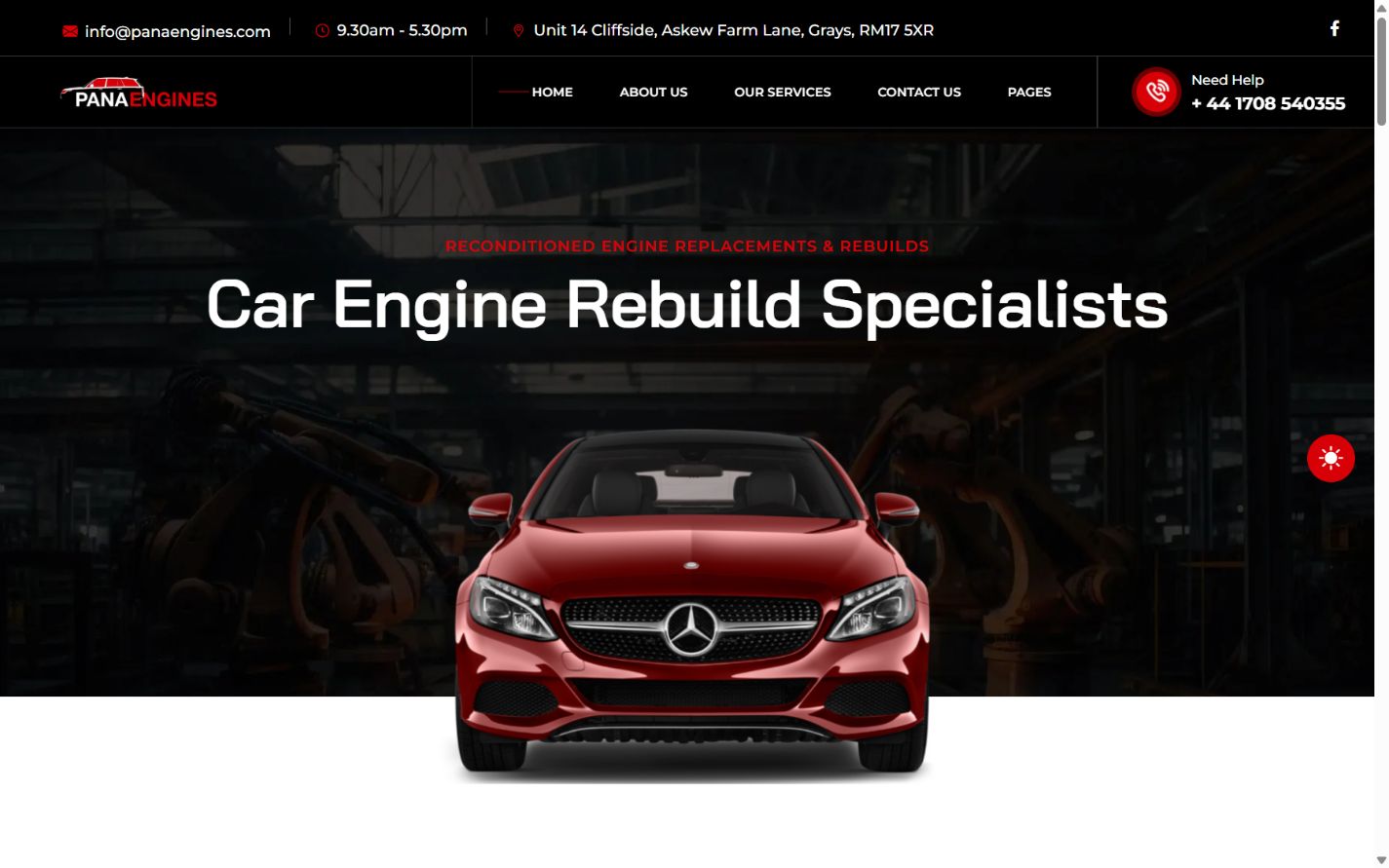
That kind of operational problem is why we built a workshop system for Pana Engines, bringing customer and vehicle records, invoices, job status and collection details into one workflow.
“We had invoices, customer details, job statuses, and collection notes all over the place.”Daniel H, Operations Manager, Pana Engines
You may not need custom software. A shared pipeline, one named owner and a same-day response rule can solve a lot. Consider a custom system only when the process is established and the manual work is clearly costing you time.
What to do this week
- Test every form, phone link and booking button on mobile.
- List your five most-visited pages and label each as informational or ready-to-buy.
- Rewrite the first screen of your most important service page.
- Add one piece of genuine proof beside its main call to action.
- Track inquiries for a few weeks before making the next change, so you can see what actually helped.
If the structure itself is the problem, compare your options in our guide to what a service business website costs. Clinics can also use the med spa website booking checklist.